
Halloween Background AI Prompts for Designers
Five original Halloween background AI prompts for purple fog, autumn leaves, spiderwebs, pumpkin bokeh and gothic arch designs, with preserved images and practical tips.
Your creative starting point
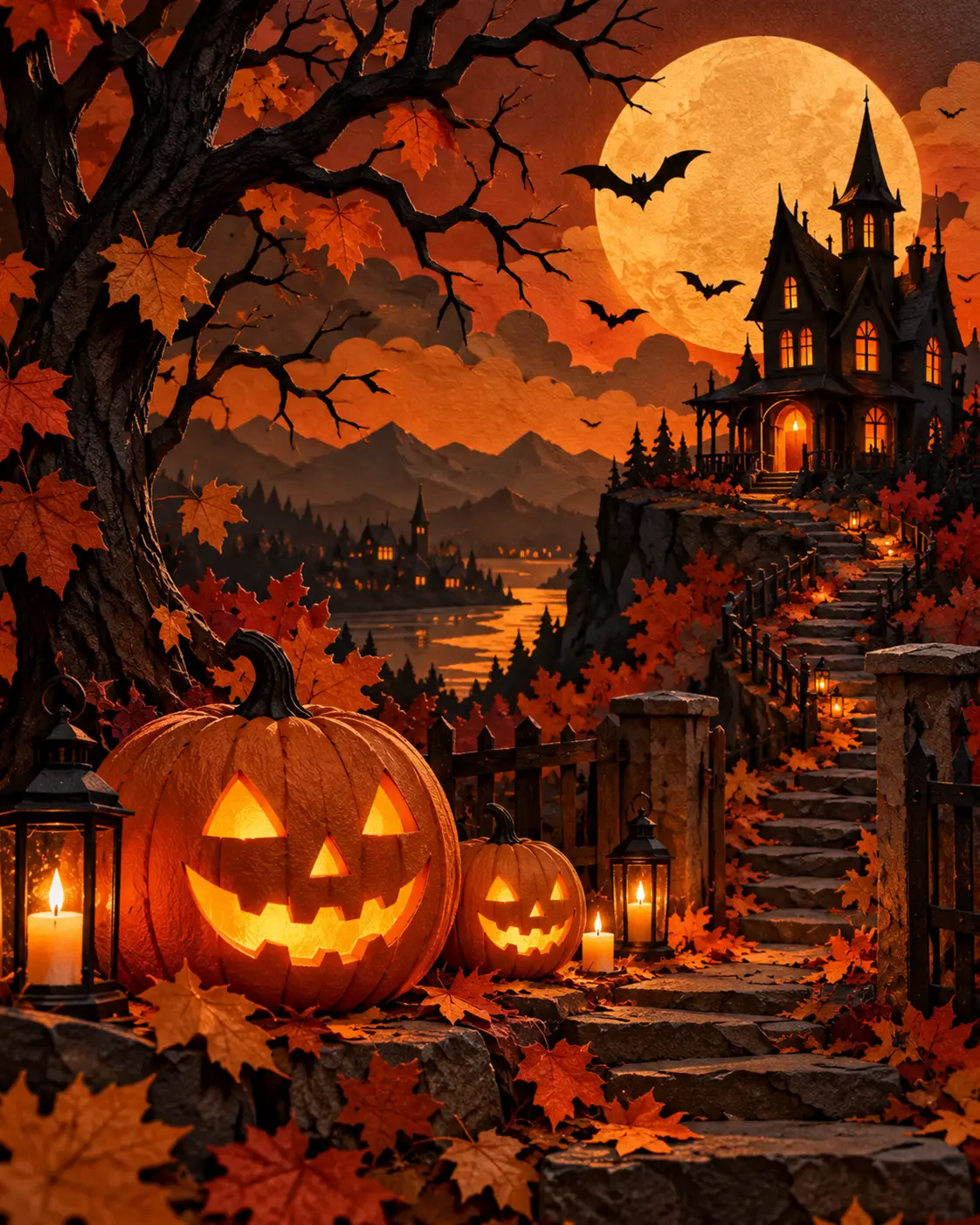
Create an original Halloween scene featuring orange black paper texture with warm amber highlights, rich autumn colour, purposeful composition, realistic textures, strong subject separation, coherent shadows and clean edges. Maintain believable anatomy and materials. High resolution, 4:5 vertical composition. Avoid fake branding, unwanted words, watermarks and duplicated objects.
Results vary by model, version and settings. Make the prompt your own.
Halloween background AI prompts are most useful when they create a setting for your message instead of crowding it out. A party invitation needs room for a date; a Pinterest graphic needs space for a headline; a seasonal promotion needs a clean area for the product. This guide gives you five distinct prompts built around those practical design needs.
Which Halloween Background Should You Choose?
Quick answer: Choose purple fog for dramatic announcements, autumn foliage for friendly fall invitations, subtle webs for minimalist event graphics, pumpkin bokeh for warm promotions, or a gothic arch for cinematic posters. Each idea below explains where to place your text and why the layout works.
Copy the Featured Halloween Background Prompt
Use the dedicated Copy Prompt section on this page to copy the master prompt. Change the subject, framing and aspect ratio for your project. Add exact words, dates and logos later using your design editor.
Five Distinct Halloween Background Prompts
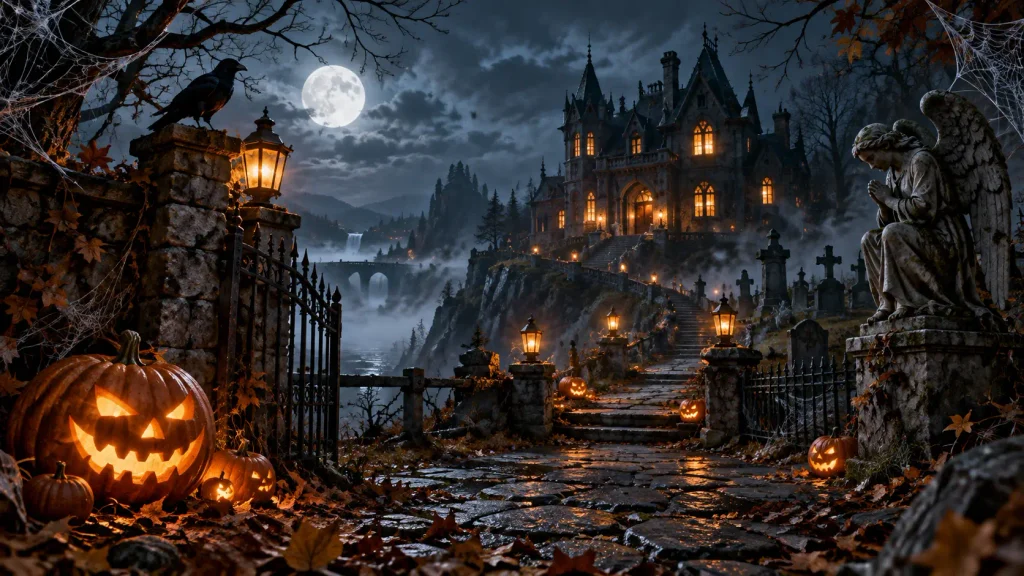
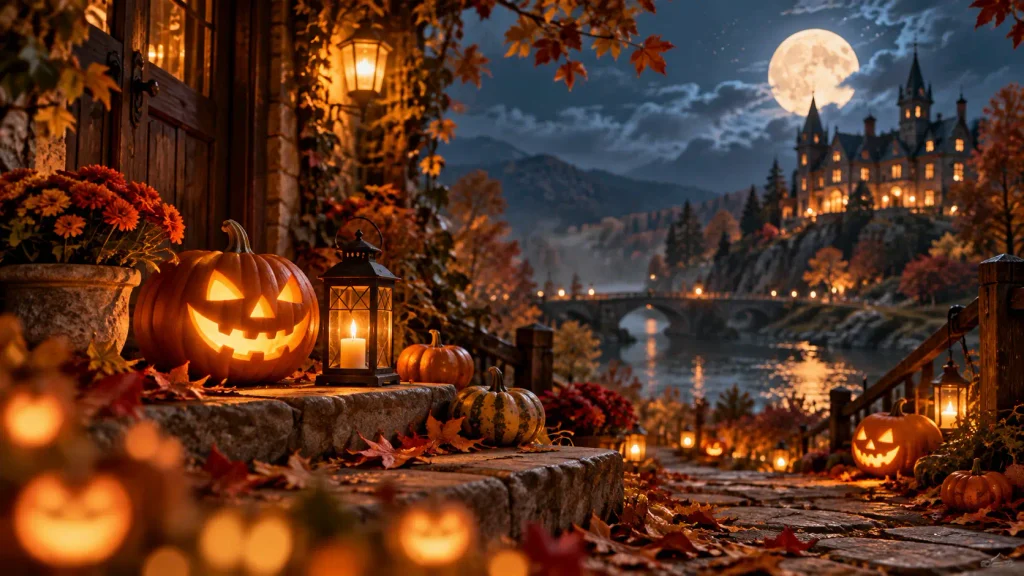
The existing images are retained as visual references. They illustrate related Halloween moods but have not been verified as outputs of the newly rewritten prompts.
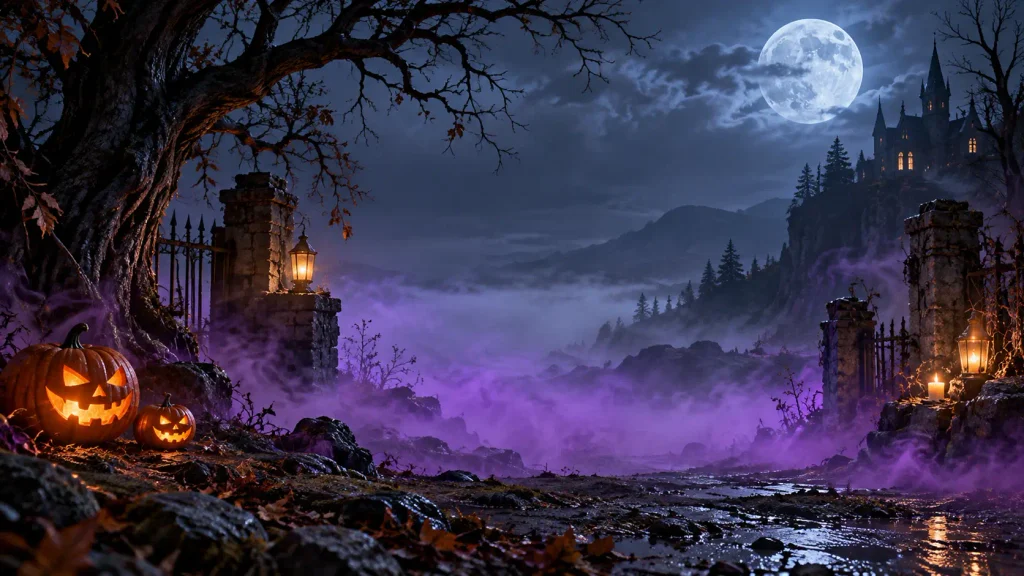
1. Purple Mist With Clear Center
The fog should sit around your headline, not over it. This treatment is well suited to atmospheric party covers and wide website banners.
AI image prompt: Create a cinematic violet Halloween background with translucent lavender fog drifting inward from the lower corners, distant bare trees, a subtle moonbeam, and an intentionally empty dark-purple center occupying 60 percent of the frame for later typography. Layered atmospheric depth, natural gradients, 16:9 landscape, no lettering, logos or people.
Layout advice: Place white lettering in the calm central region and test it at mobile size.
2. Autumn Leaves Invitation Border
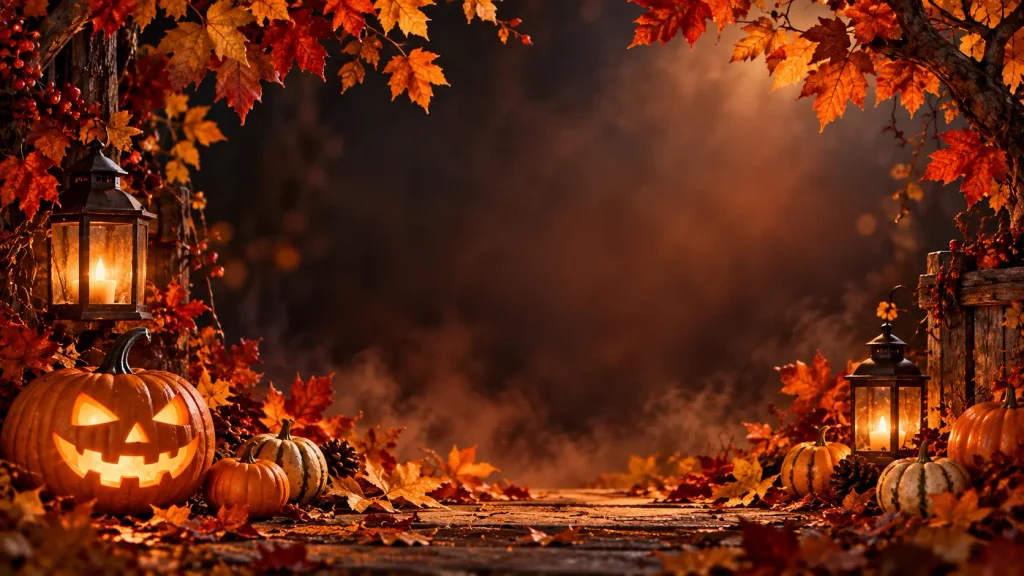
A frame of real-looking leaves creates an approachable October aesthetic for family events, school flyers and small-business announcements.
AI image prompt: Photograph an overhead arrangement of copper maple leaves, dry oak leaves and three miniature pumpkins around the edges of warm ivory paper. Late-afternoon side light reveals leaf veins and realistic shadows. Keep the central area clear for an invitation title and event details. Premium seasonal flat-lay styling, 4:5 portrait, no text or graphics.
Layout advice: Use charcoal type in the clear paper area; avoid putting text on the leaves.
3. Minimal Spiderweb Corners
Corner-only web details add Halloween character without turning a sophisticated invitation into a busy illustration.
AI image prompt: Design a restrained midnight-blue background with fine silver spiderweb strands only in the top-left and bottom-right corners. A faint cool light catches the web threads while the broad middle remains uninterrupted. Matte texture, realistic web geometry, sophisticated gothic mood, 4:5 portrait, no lettering or central spiders.
Layout advice: Keep the main copy between the web accents, with generous margins.
4. Pumpkin Bokeh for Seasonal Promotions
Defocused amber lights create warmth and depth while leaving a darker area where a real product photo can be placed.
AI image prompt: Produce a photographic Halloween backdrop with distant glowing jack-o-lantern lights rendered as soft amber bokeh against a charcoal-plum background. Keep the foreground clean and dark for a product or offer. Shallow depth of field, restrained autumn foliage along the lower edge, 16:9 landscape, no text, logos or sharply focused pumpkins.
Layout advice: Position your product or promotion in the clean foreground.
5. Moonlit Gothic Arch
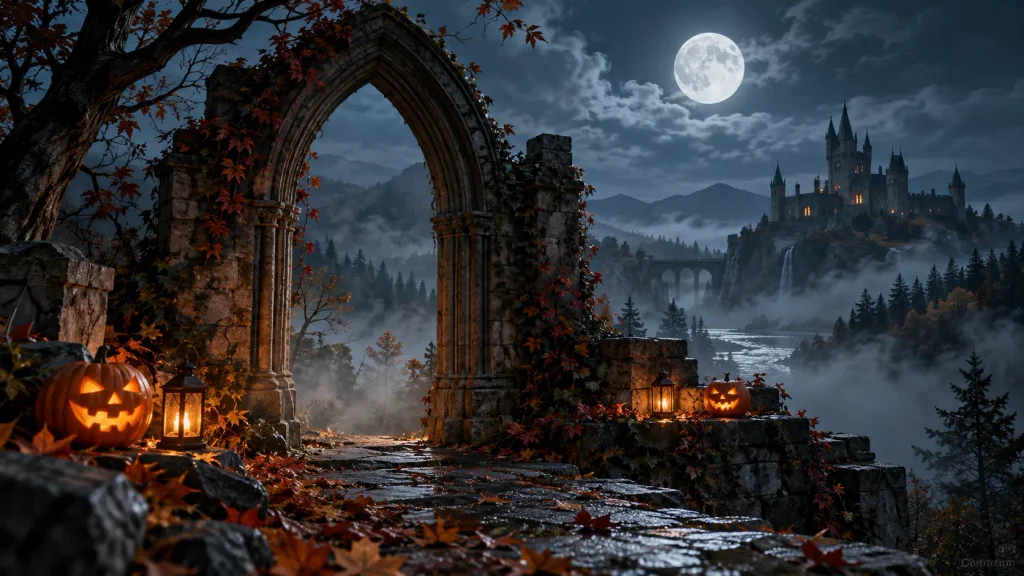
Stone architecture creates an obvious frame for an editorial headline, especially for mystery-themed events and cinematic artwork.
AI image prompt: Frame a moonlit courtyard through a symmetrical weathered limestone gothic arch, with sparse ivy, worn stone texture and thin ground fog. The opening must remain unobstructed so a designer can add a headline later. Balanced architectural perspective, cool blue shadows, 4:5 vertical, no people, writing or signage.
Layout advice: Center the headline within the arch opening, not across the textured stone.
How to Get Better Halloween Backgrounds
- Plan the message first. Decide where your title, event details or product will sit.
- Specify negative space. Request a clear center, upper third or foreground rather than simply asking for minimalism.
- Choose a restrained palette. Violet and charcoal create mystery; cream and copper feel welcoming; amber bokeh adds warmth.
- Set the intended crop. Use 9:16 for vertical stories, 4:5 for portrait social graphics or 16:9 for wide layouts, and confirm the platform’s current export specifications.
- Review small details. Look for repeated leaves, malformed web geometry, distracting light spots and unwanted lettering.
- Finish in an editor. Add accurate dates, venue information, logos and accessible text manually.
Using These Designs for US Halloween Projects
For October 31 community events, warm foliage can be more inviting than frightening imagery. For a boutique Halloween sale, use pumpkin bokeh behind a real product photograph. For fictional horror storytelling, a moonlit arch adds atmosphere without implying that the generated location is real. Keep event and promotional claims accurate.
Common Problems and Practical Fixes
Too cluttered? Remove props and enlarge the quiet area. Hard-to-read headlines? Reduce brightness changes behind the text and add a subtle overlay. Artificial-looking surfaces? Specify leaf veins, paper fibres or limestone wear instead of generic “ultra realistic” wording. Bad cropping? Generate for the final ratio instead of stretching the image.
Frequently Asked Questions
How can I create a Halloween background without text?
Describe an empty area for typography and exclude letters, numbers, logos and signs. Check the generated image for accidental markings.
What format works for Pinterest or Instagram?
Start with a portrait-oriented composition for feed graphics and a vertical layout for stories. Check each platform’s latest size recommendations before exporting.
Can I use these prompts with ChatGPT image generation?
Yes, these natural-language prompts can be adapted for compatible image generators, although each model may interpret details differently.
Can I use the images commercially?
Check the relevant tool’s usage terms and any rights associated with source images, trademarks or likenesses. Do not present fictional images as documentation of actual events.
Editorial Note
These scene directions and explanations were rewritten for distinctive visual goals and practical usability. A separate plagiarism or similarity scan is needed to assess the revised text. Existing images are preserved as illustrations, not as evidence that the new prompts were tested.
Conclusion
A useful Halloween background supports the final message. Start with a clear layout, select one seasonal visual motif and leave the important part of the canvas open for your finished design.