Luxury Editorial Fashion Photoshoot AI Prompt – Magazine Style
Create a high-end fashion editorial image with realistic tailoring, striking composition and premium magazine lighting.
Your creative starting point
Fashion editorial full-length photograph of an adult model wearing [OUTFIT DESCRIPTION] in [LOCATION], shot on a 50mm prime lens, full-frame camera perspective, neutral color grading. Lighting: soft directional key light from an overhead octabank with subtle shadow fill. Styling: [HAIR AND MAKEUP], minimal accessories. Composition: vertical 4:5 aspect ratio, clean studio separation, negative space at the top for typography. Preserving strict garment construction, clean seams, and authentic fabric texture. Photorealistic skin texture with natural pores, anatomically correct proportions.
Results vary by model, version and settings. Make the prompt your own.
Use this luxury editorial fashion AI prompt to plan a magazine-style concept with a clear garment silhouette, restrained styling and believable light. The copyable prompt above stays the starting point; this guide shows how to turn its placeholders into a brief you can evaluate, rather than relying on words such as “luxury” or “8K” alone.
Published by Prompts Invention. This is practical creative guidance, not a documented model benchmark or a claim of professional photography credentials. The existing illustrations have no recorded model, seed or generation settings; they demonstrate visual direction, not verified outputs of the exact prompt. For corrections or questions, contact Prompts Invention.
What Is This Fashion AI Image Prompt?
This copy-ready prompt gives an image generator detailed guidance about clothing, styling, camera perspective, lighting and realistic anatomy. It can help with fashion concept art, lookbooks, creative direction and editorial mockups. AI-generated fashion concepts should not be presented as photographs of actual products or events.
Copy the Fashion Photography Prompt
Use the site’s Copy prompt button to copy the complete prompt. Replace bracketed details with your preferred outfit, setting and styling. Attach clear clothing reference photos when accuracy matters.
How to Use This Prompt
- Choose the outfit, model styling, location and image format.
- Paste the prompt into an AI image generation tool and replace its placeholders.
- Add an authorised garment reference if you need the result to match a real item.
- Generate variations and inspect hands, facial detail, seams, logos, accessories and lighting.
- Refine the prompt, crop for your platform and disclose AI generation where appropriate.
Existing Visual References
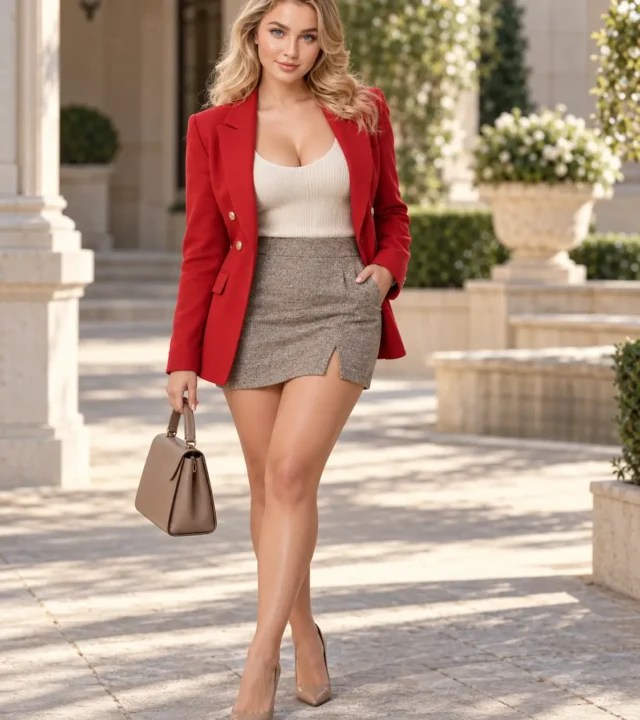
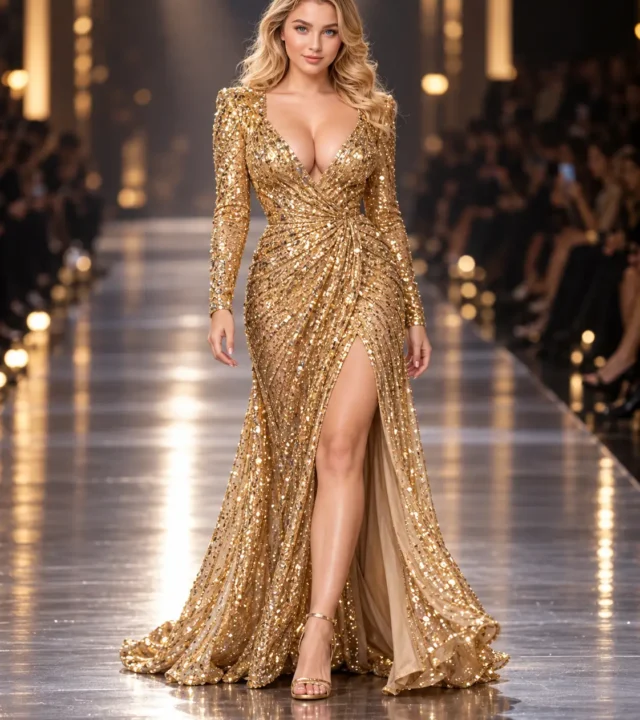
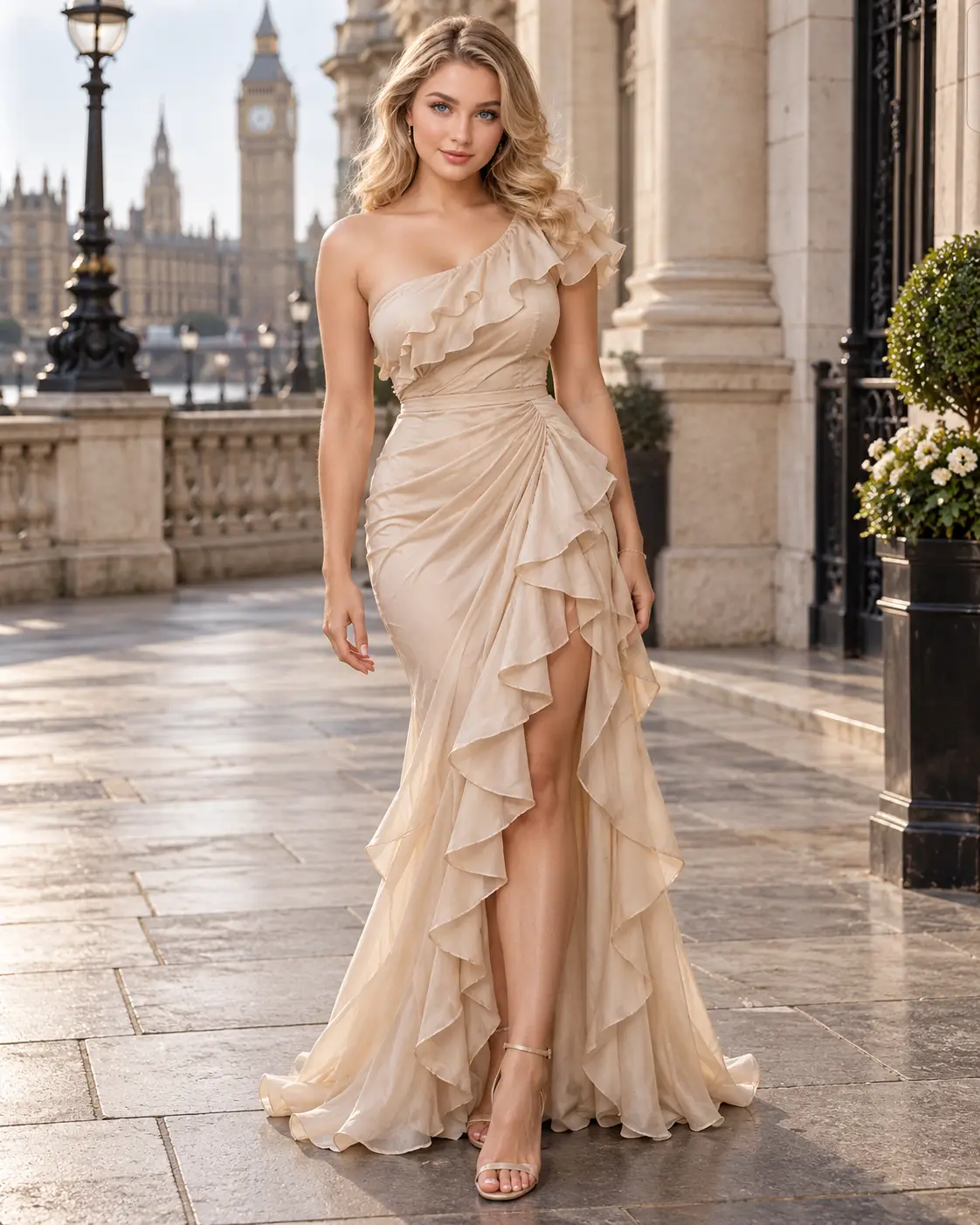
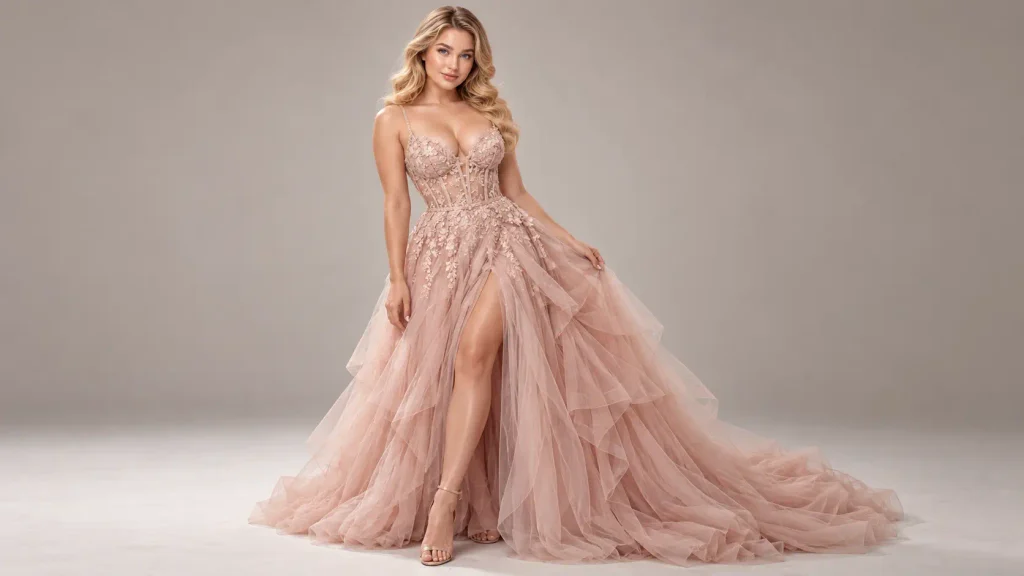
The featured portrait shows lavender tailoring in a pink studio. The three-panel illustration below explores ivory eveningwear, embroidered separates and bridal styling. Compare framing, fabric detail and background clutter; these images are visual references, not evidence of repeatable results from this prompt.
Build a brief before generating
Choose one visual priority: tailoring, fabric movement or a clean editorial composition. For tailoring, keep the pose quiet and the jacket unobstructed. For movement, simplify the background and describe where the fabric should fall. Write down the details that must survive every revision: jacket length, trouser shape, fastening, colour and accessory count.
Worked example: a lavender tailoring brief
For a fictional outfit, replace [OUTFIT DESCRIPTION] with “a lavender double-breasted blazer with two rows of gold-tone buttons, matching high-waisted wide-leg trousers, an ivory square-neck top, ivory closed-toe shoes and one small ivory handbag.” Replace [LOCATION] with “a pale pink architectural studio with a single arched recess and an uncluttered floor.” Replace [HAIR AND MAKEUP] with “loose dark waves, understated makeup and small earrings.” These are proposed inputs, not a record of how the existing image was made.
Keep the base prompt’s full-length 4:5 composition. Add “show both shoes completely; leave a small margin below the feet; keep the handbag separate from the trouser leg.” Ask for light from one side with gentle fill, and assess whether the shadows agree. If the scene competes with the outfit, remove decorative flowers and furniture before adding more style adjectives.
Generate, compare and revise
Start with the tool’s ordinary image settings and request a portrait format through its size controls where available. “50mm full-frame camera look” describes an intended perspective; it does not set real camera metadata. Avoid copying tool-specific flags into a different generator. If references are supported, upload an authorised front view and a detail view, then state which garment features are fixed and which background details may change.
Generate a small first set and choose the image that best preserves the brief, even if another image looks more dramatic. Record the tool and model version, date, size, references and exact prompt. Save a seed only if the tool exposes one; matching prompts do not guarantee matching images. Change one instruction at a time so you can identify what improved the result.
Three controlled editorial variations
Tailoring study: keep the outfit and lighting; replace the setting with a plain warm-grey studio and ask for a relaxed front-facing stance with the hands away from the lapels. This makes jacket structure easier to inspect.
Fabric movement: keep the garment description; request a slow step with a subtle swing in the trouser hems and the face in focus. Check that the legs remain separate and that folds follow the movement. Start with one moving fabric element, rather than hair, scarf and skirt all moving together.
Cover layout: ask for the subject in the lower centre with clear space above the head. Generate without letters, mastheads or logos, then add your own typography in a layout editor. Check the crop before committing to a cover design; a portrait format alone does not reserve usable title space.
Troubleshooting: fix the visible failure
Plastic skin: remove conflicting “flawless” or heavy beauty-retouch instructions and request natural texture with restrained retouching. Do not keep adding sharpness terms when the problem is unnatural surface detail.
Changed seams or buttons: reduce the brief to a still pose and a plain background, specify the exact fastening count and use a close garment reference if supported. If the detail still changes, treat the image as a concept, not a product representation.
Fused hands and accessories: ask for a simple hand position, fingers clear of the handle and a visible gap between the bag and body. Use a local edit if available, then inspect the edited area and its edges again.
Cropped shoes or stretched proportions: request a full-length view with floor space below the shoes and a camera viewpoint around torso height. Avoid simultaneously asking for a close portrait, exaggerated low angle and full outfit.
Too much background detail: remove objects and narrow the palette to two or three compatible colours. Define the subject’s separation from the wall through lighting and contrast instead of adding excessive blur.
Quality check before sharing
Inspect the full-size image, not just a thumbnail. Check hands, eyes, teeth, earrings, bag handles, button counts, seams, hem continuity and the contact between shoes and floor. Compare the original reference beside the result. Then check your final crop: can the garment still be read, is the image clear on a phone, and is there enough room for the intended text? Discard images whose key garment details cannot be corrected.
Use a concise visible label such as “AI-generated fashion concept” for a confirmed AI image. Confirm the tool’s current usage terms and the permissions for any reference before publishing. For a real product listing, use actual product photographs where fidelity matters; a polished concept cannot establish how an item fits or looks in real life.
Tips for More Realistic Fashion Images
- Describe specific fabrics, cuts and garment layers instead of vague style terms.
- Keep the light source consistent with shadows and reflections.
- Use full-length framing when shoes and garment proportions matter.
- Check that logos, clothing details and people are represented accurately.
- Try separate 4:5 editorial and 1:1 social-media compositions.
Frequently Asked Questions
Can I use this prompt with ChatGPT or other AI image tools?
Yes, with image-generation tools that accept descriptive text prompts. The exact results depend on the model and available reference-image controls.
Can I use the generated images for commercial projects?
Check the image tool’s terms and confirm you have rights to any referenced designs, trademarks and likenesses. Verify the result before using it to advertise a real product.
How can I make clothing details more accurate?
Provide high-quality front and side garment references and explicitly request unchanged colours, seams, logos and fabric construction. Review the generated image closely.
Final Thoughts
A successful editorial concept keeps its visual brief intact: recognisable tailoring, coherent light and an intentional crop. Save the prompt and settings with your chosen result so later edits start from a documented decision.
Explore related Fashion prompts
For a quieter palette, explore A monochrome winter silhouette. To study a moving accessory, see A silk scarf in motion. For stronger colour contrast, try Color blocking after hours. These existing pages are labelled demo prompts; use them as alternative starting points and browse the Fashion prompt collection for more ideas.